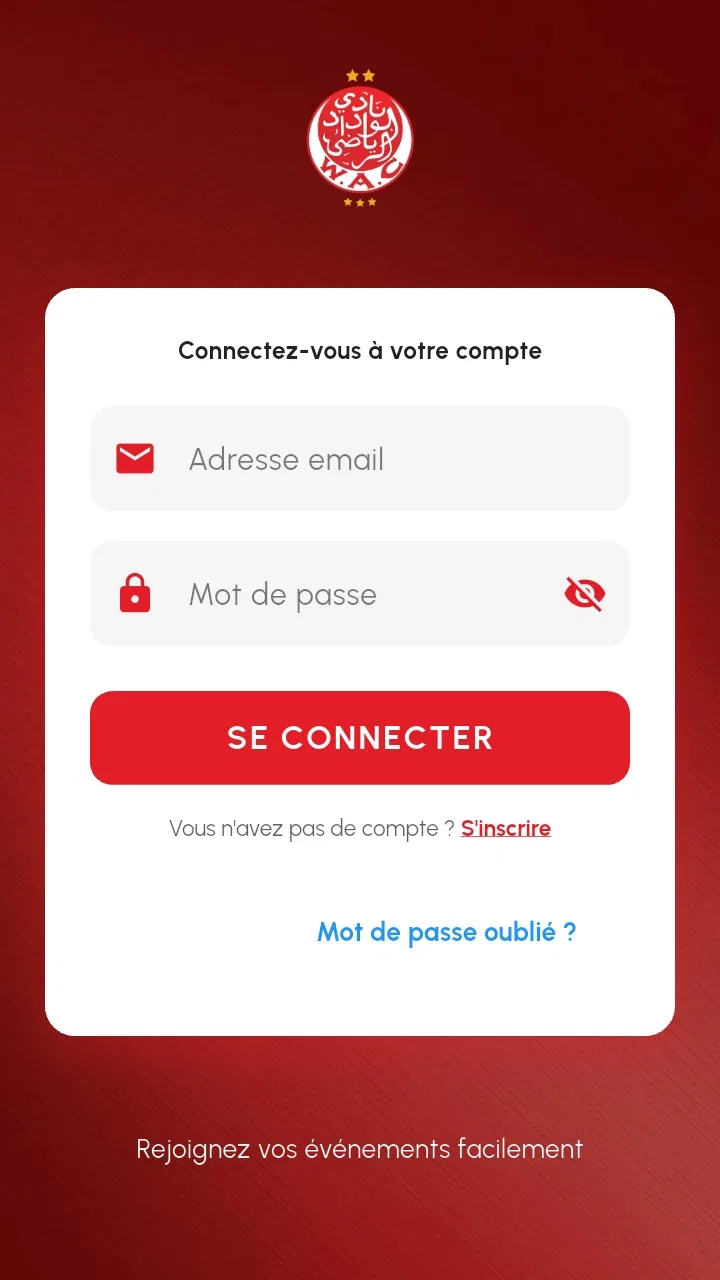
WYDAD TICKETING
- 4.8
- Rating
- 10.00K
- Installs
- Free
- Price

 Analysis by App-foxy
WYDAD TICKETING is the kind of app I would install when an event organizer wants the ticket itself to live on my phone rather than in an email thread or printed page. Developed by PMG Ticketing, it is an Events app focused on managing and displaying electronic event tickets. That sounds narrow, but the narrow purpose is also its main appeal: when I am standing outside a venue, I do not want to search through old messages, enlarge a document, or wonder whether I opened the correct attachment.
My overall impression is positive, especially for people attending events where the organizer specifically uses this ticketing system. The app is free, carries an Everyone age rating, and its current version is 16. It has reached more than ten thousand installs and holds a 4.8 average from roughly seven hundred ratings, which suggests that the basic ticket-viewing experience has worked well for many users. I would still treat it as an event-specific tool rather than a universal replacement for every ticketing app.
Where connectivity changes the ticket experience
The most important thing to understand is that an electronic ticket app is only as convenient as the moment when you need to open it. Before leaving home, I would connect to a reliable network, launch the app, and make sure the relevant ticket is visible. That simple check is more useful than waiting until I am at the entrance, surrounded by other attendees and possibly dealing with weak mobile coverage.
You May Also Like

 Pandora - Music & Podcasts
Pandora’s Music Is Easy to Start, but Harder to Recover
Pandora’s strength is its low-effort path from a seed to a station. Its weak spot is how much confidence it asks you to place in connection, setup, and quiet recovery.

 AccuWeather: Weather Radar
AccuWeather Review: A Quick, Clear Forecast for Everyday Decisions
For everyday plans, the best forecast is the one you can understand quickly. AccuWeather makes rain timing, radar, and local conditions easy to act on, with a few trade-offs.

 Hill Climb Racing
Why Hill Climb Racing Still Turns Crashes Into One More Run
A tiny car, a bumpy hill and one more upgrade: Hill Climb Racing keeps resurfacing because its simple chaos makes every near-miss feel personal.

 AliExpress - Shopping App
AliExpress Makes Global Shopping Feel Personal, but Shoppers Bear the Risk
AliExpress turns a global marketplace into a pocket-sized discovery engine. Its reach is useful, its shopping loop compelling, and its trade-offs easy to miss.

 Lords Mobile: Kingdom Wars
Lords Mobile Is a Kingdom-Building Routine, Not a Quick Match
A case-by-case verdict on the building, battles, device demands, and social commitments that make Lords Mobile rewarding for some players and exhausting for others.

 PDF Scanner app - TapScanner
TapScanner Makes Paperwork Easier to Capture, Check, and Share
TapScanner makes scanning with a phone feel less like a rescue operation and more like a dependable step in getting work done. Its capture tools are useful, though not flawless.
More From Our News Desk
View All News


WYDAD TICKETING is designed for managing and displaying electronic event tickets, so the practical workflow begins well before the scan or visual check at the venue. I would sign in or open the ticket while connected, confirm that the event details look right, and keep the phone charged. The app may be quick to open, but a fast interface cannot solve a poor connection, a phone with no battery, or a ticket that was never loaded properly in the first place.
This is where the app differs from a paper ticket. Paper is inconvenient to lose but does not depend on a signal at the entrance. A ticket stored in an email is more flexible because it can be opened in a browser or another mail app, yet it can also be buried among unrelated messages. WYDAD TICKETING gives the ticket a dedicated home, which should reduce searching, while making the phone and the app part of the entry process.
I would not assume that every ticket remains available in every connectivity condition. The safest habit is to prepare while online and avoid treating the venue entrance as the first test. If the event matters to me, I would also keep the original confirmation details accessible through the organizer’s normal communication channel, without relying on that backup as a substitute for checking the ticket in the app.
Preparing before leaving home
A useful routine is to open the application several minutes before departure, not just glance at its icon. I would select the event, inspect the displayed ticket, and leave the app in a ready state if I expect to arrive somewhere crowded. This does not guarantee anything about network behavior, but it removes one avoidable step from the busiest part of the journey.
I would also avoid logging out or clearing app data immediately before an event. Those actions can create unnecessary friction if the ticket needs to be retrieved again. The better approach is simple: update the app when convenient, check the ticket afterward, and then leave the phone configured normally until entry is complete.
For a family or group, the useful question is not only whether each person has a ticket, but who will present which ticket. If one phone is carrying several electronic tickets, I would organize the handoff before reaching the entrance. If each attendee has a separate device, I would ask everyone to open their own ticket in advance. This small bit of planning matters more than repeatedly refreshing the screen.
Using it in real mobile situations
The strongest use case is a normal day away from a desk: I receive or manage an event ticket, travel by public transport, arrive at a busy venue, and need to show the correct screen without handling paper. A dedicated ticketing app feels more natural in that situation than searching a desktop account or scrolling through a long inbox.
On a small phone, readability becomes part of the experience. I would increase the screen brightness before approaching the entrance and keep the display awake long enough to show the ticket clearly. These are phone-level adjustments rather than special functions of the app, but they make a real difference when staff need to inspect a screen quickly.
Another practical scenario is arriving with a nearly full phone. Navigation, messaging, photography, and ticket display can all compete for battery during a long event day. I would charge before leaving and carry a power bank if the day includes travel. A ticketing app does not need to be complicated to become stressful when the device reaches its final few percent.
For users with older Android devices, the minimum operating system is Android 7.0. That makes the app accessible to a broad range of phones, although compatibility on paper is not the same as a smooth experience on every older model. I would install it ahead of time rather than discovering compatibility problems at the venue.
The app is also suitable for people who want a focused ticket display instead of a larger event marketplace. If I only need to present a ticket, a dedicated tool can feel less distracting than an app packed with discovery, shopping, social feeds, and promotional content. On the other hand, someone who wants one place for flights, concerts, sports, hotel bookings, loyalty cards, and travel plans may prefer a broader wallet or ticket platform.
What happens when the connection is unreliable
Connectivity problems are the main area where I would be cautious. A ticketing workflow can involve several separate moments: obtaining the ticket, updating its status, loading its display, and presenting it for inspection. A connection problem at any one of those points may create confusion, even when the ticket itself is valid.
If the screen does not load, my first response would be to stop tapping repeatedly. I would move to a place with better reception, switch between available network options if appropriate, and reopen the app only after checking that the phone still has power. Repeated attempts can make a simple delay feel like a larger problem, especially in a queue.
I would also keep the event confirmation or organizer message available as a reference. That does not replace the official display process, but it gives me useful details when speaking with staff. The important distinction is between proving that I purchased or received something and presenting the ticket in the format the venue expects.
When traveling with a group, recovery is easier if one person is not responsible for every ticket. Each attendee can prepare their own display, while the group keeps a shared understanding of the event and entrance details. If one phone has trouble, the others are less likely to be delayed.
After a failed attempt, I would avoid uninstalling the app or deleting its information while standing at the entrance. Those are drastic steps that may remove useful local state or force a new setup. I would first try the least disruptive remedies: improve reception, confirm the correct account or event, close and reopen the app, and ask venue staff for guidance.
This is also where the app’s focused design has a trade-off. A dedicated ticket display is easier to understand than a large platform, but it may offer fewer alternative routes when something goes wrong. A major ticket marketplace may have more account tools or customer-service pathways, while WYDAD TICKETING is most compelling when the organizer’s process is already built around it.
Using the app without wasting mobile data
For most ticket holders, the data-conscious approach is straightforward: prepare the ticket on Wi-Fi, avoid repeatedly refreshing the same screen, and do not leave unnecessary apps running while waiting in line. The ticket itself should not require the same kind of continuous activity as a video or social network, but preparation still reduces uncertainty.
I would open the event once, inspect what is shown, and then leave the phone alone until it is time to present the ticket. Constantly switching away and returning may not improve anything, and it can consume battery through other apps. If the venue has public Wi-Fi, I would be selective about using it and would not enter sensitive credentials on an unfamiliar network unless necessary.
People with limited data plans should pay particular attention to the first setup and any app updates. The application is free to download, but free does not mean that mobile data has no cost. I would update it over Wi-Fi and complete the initial ticket preparation before traveling. That is especially sensible for an event in an area where reception may be inconsistent.
There is also a privacy-minded benefit to keeping the workflow simple. The less often I move between messages, browsers, screenshots, and unrelated services, the fewer opportunities there are to send the ticket to the wrong person or expose it accidentally. I would not use a screenshot as my main plan unless the organizer clearly accepts that format, because a static image may not represent the expected ticket display.
For a long event day, battery conservation matters as much as data. Lowering screen brightness after entry, closing navigation when it is no longer needed, and carrying a charger are sensible habits. I would raise brightness only when presenting the ticket, rather than keeping it high for the entire journey.
Who will get the most from WYDAD TICKETING?
I think the app is best for attendees whose organizer has made it part of the official ticket process. In that situation, it provides a clear destination for the ticket and avoids the clutter of email attachments. It should also suit people who attend occasional events and want a simple tool rather than a full booking ecosystem.
It is a good match for users who are comfortable preparing on their phone, checking the ticket before leaving, and handling ordinary connectivity precautions. The Everyone rating makes it appropriate for a broad audience, including families, although younger users may still need an adult to manage the device, account access, or multiple tickets.
I would be more hesitant to recommend it to someone who expects a universal digital wallet. If my main goal is to combine many unrelated passes in one place, or to manage complicated travel arrangements across several providers, another solution may be more convenient. The same applies to anyone who strongly prefers paper or who regularly attends venues with poor reception and does not want a phone-dependent entry process.
The developer, PMG Ticketing, gives the app a clear identity rather than trying to make it serve every possible event need. That focus is valuable when the event ecosystem matches it. It is less valuable when I am looking for broad ticket discovery, resale tools, detailed venue information, or a single archive covering tickets from many unrelated organizers.
My final view after weighing convenience against dependence
WYDAD TICKETING succeeds when I treat it as a preparation tool, not as something I casually open for the first time at the gate. Its purpose is direct: manage and display electronic event tickets in a dedicated mobile experience. The high average rating and growing install base make it look reassuring for a free Events app, but the real decision depends on whether the event I am attending uses this system and whether I am comfortable relying on my phone.
My practical recommendation is to prepare the ticket while connected, check the display before traveling, and arrive with enough battery for the whole entry process. Those habits address the biggest real-world risks without pretending that an app can control mobile coverage or venue procedures.
Compared with paper, it is more convenient to carry and harder to misplace in a drawer, but it depends on a charged device. Compared with email, it should make the ticket easier to locate, but it adds another dedicated app to the phone. Compared with a broad digital wallet, it is more focused and potentially less cluttered, but it is not designed to replace every kind of pass or booking.
For my own use, I would install it when an event organizer directs me there, verify the ticket well before departure, and keep a sensible backup reference for support conversations. I would skip it only when I need a cross-provider wallet, dislike phone-based entry, or cannot reliably prepare before reaching the venue. Within its specific role, it is a practical free option, and its connectivity demands are manageable as long as I plan for them instead of ignoring them.
FAQs for WYDAD TICKETING
01What is WYDAD TICKETING and what does it offer?
WYDAD TICKETING is an app designed to streamline the process of purchasing and managing tickets for events related to WYDAD sports and entertainment. It offers features such as real-time ticket availability, seat selection, and digital ticket storage. The app aims to enhance the user experience by providing a convenient and secure platform for ticket transactions.
02How can I purchase tickets through the WYDAD TICKETING app?
To purchase tickets, first download the WYDAD TICKETING app from the App Store or Google Play. Once installed, create an account or log in. Browse upcoming events, select your desired seats, and proceed to checkout. Payment can be made through various secure methods, ensuring a seamless transaction process.
03Is the WYDAD TICKETING app free to use, and are there any hidden fees?
The WYDAD TICKETING app is free to download and use for browsing events and purchasing tickets. However, service fees may apply during the ticket purchase process. These fees are typically disclosed before finalizing your transaction, ensuring transparency and avoiding any hidden costs.
04Can I transfer my tickets to someone else using the WYDAD TICKETING app?
Yes, the WYDAD TICKETING app allows users to transfer tickets to others. This feature is especially useful for gifting or reselling tickets. Simply access your ticket within the app, select the transfer option, and enter the recipient’s information. The recipient will then receive the ticket via their email or app account.
05What should I do if I encounter issues with the WYDAD TICKETING app?
If you experience any problems with the app, such as login issues or transaction errors, first ensure your app is updated to the latest version. If issues persist, contact WYDAD TICKETING’s customer support through the app’s help section. They provide assistance via email or live chat to promptly resolve any concerns.
Pros
- Intuitive user interface for easy navigation.
- Quick access to event details and updates.
- Secure payment gateway integration.
- Option to select preferred seating.
- Real-time notifications about upcoming events.
Cons
- Limited customer support options.
- Occasional app crashes reported.
- Some events not listed promptly.
- No offline mode available.
- Limited promotional offers and discounts.

WYDAD TICKETING
Gallery